

NinjaOne is a remote monitoring and management (RMM) platform built to cover a lot of ground.
Alongside patching and remote access, it offers ticketing, backup and documentation. That suits teams that want most of their IT stack in one console.
Not every team needs that much. If your daily work is keeping devices patched, deploying software and closing vulnerabilities, a focused tool can do the job with less setup and a clearer bill.
This list compares five alternatives on OS coverage, patching, vulnerability management and pricing.
Why Teams Look for a NinjaOne Alternative
NinjaOne patches Windows, macOS and Linux, and its wider platform adds ticketing, backup and documentation.
That makes it a strong fit for managed service providers (MSPs) running client work from one place.
In-house teams with a narrower brief feel the trade-offs. More modules mean more to configure.
NinjaOne also doesn’t publish full pricing, so costs depend on a quote that varies by region and by the products you buy.
Teams that already run a service desk and backup setup they like can end up paying for features they never touch. For them, a tool built around endpoint maintenance is often the better fit.
How We Compared These Tools
Each tool below is reviewed on the same six points: who it suits best, OS coverage, patching and deployment, vulnerability management, pricing and what to keep in mind.
Feature and pricing details come from each vendor’s published information.
The list mixes focused patching tools with broader suites.
That way you can see where each one sits between a lean endpoint tool and a full RMM.
1. PDQ Connect
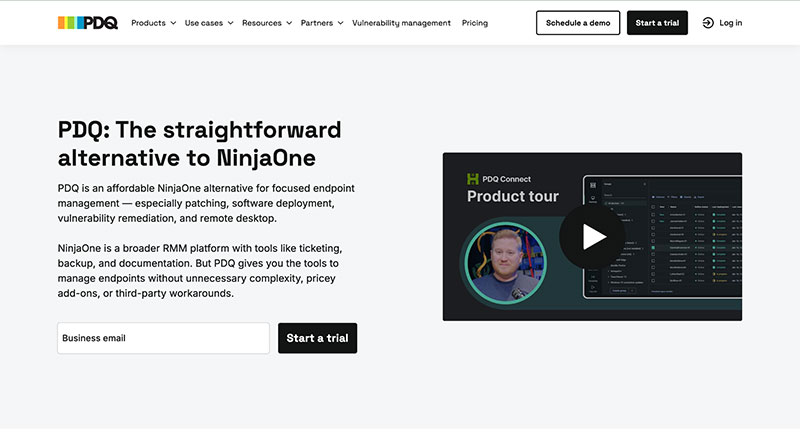
For teams whose main job is endpoint maintenance, PDQ offers an affordable alternative to NinjaOne.
Its cloud product handles patching, software deployment, vulnerability remediation and remote desktop. There are no ticketing, PSA, backup or documentation modules to configure or pay for.
- Best for: In-house IT teams that already have a service desk and want a tool centered on keeping devices current.
- OS coverage: Windows and macOS. A separate on-premises product, Deploy & Inventory, covers Windows environments that prefer self-hosted software.
- Patching and deployment: Deploys updates from a curated Package Library and custom packages. From the Plus tier, deployments run on a schedule or from real-time triggers, and offline devices catch up once they reconnect.
- Vulnerability management: The Premium tier adds native scanning, prioritization and one-click CVE resolution, so teams find, fix and verify vulnerabilities in one workflow without a third-party scanner.
- Pricing: Published annual tiers at $12, $18 and $28 per device per year, with a 100-device minimum, so you know upfront what each tier costs and includes.
- Keep in mind: It’s built for Windows and macOS fleets. It integrates with Entra ID, Freshservice, Freshdesk and Jira, so technicians keep their current service desk.
2. Microsoft Intune
Microsoft Intune is cloud-based endpoint management for organizations already in the Microsoft ecosystem.
It handles enrollment, configuration policies and app deployment from the same admin center many teams use for identity.
- Best for: Organizations standardized on Microsoft 365 that want device compliance tied to user identity.
- OS coverage: Windows, macOS, iOS, iPadOS and Android, plus selected Linux desktop distributions.
- Patching and deployment: Manages Windows updates through update policies and deploys apps to managed devices. Prepackaged third-party apps come through Enterprise App Management, which is included in Microsoft 365 E5 or available through the Intune Suite.
- Vulnerability management: Detection and prioritization come from Microsoft Defender Vulnerability Management rather than Intune itself.
- Pricing: Licensed per user, either standalone or included in Microsoft 365 plans such as Business Premium, E3 and E5.
- Keep in mind: Third-party apps outside the catalog often need to be packaged by hand, which adds work for small teams.
3. JumpCloud
JumpCloud pairs device management with identity and access management in one cloud directory.
It suits teams that want user accounts, single sign-on and devices handled in the same place.
- Best for: Mixed-OS organizations without a heavy Microsoft dependency.
- OS coverage: Windows, macOS, Linux, iOS, iPadOS and Android.
- Patching and deployment: Applies OS update policies across managed devices and supports software deployment. Check coverage for the specific third-party apps your team patches.
- Vulnerability management: Confirm during a trial whether scanning is included in your package or needs a separate tool.
- Pricing: Published packages priced per user per month.
- Keep in mind: Per-user pricing works differently from per-device budgets, so model costs for shared, kiosk or lab machines.
4. ManageEngine Endpoint Central
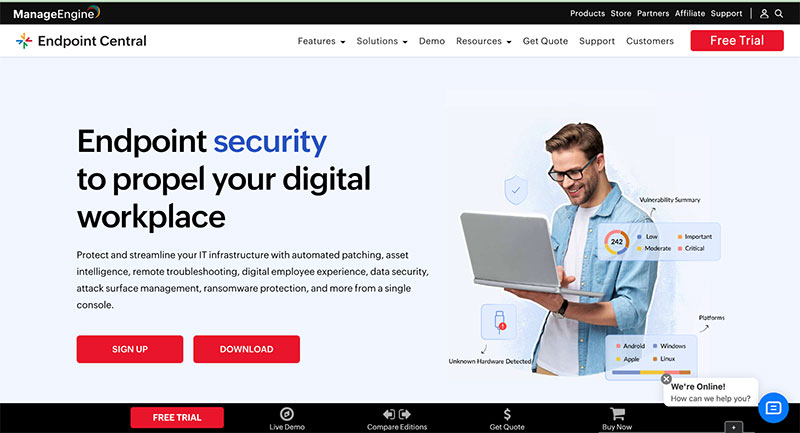
ManageEngine Endpoint Central is a unified endpoint management and security suite.
It brings patching, software deployment, remote control, asset management and mobile device management into one console, with cloud and on-premises options.
- Best for: Teams that want a wide toolset and the choice to self-host.
- OS coverage: Windows, macOS and Linux, plus mobile devices.
- Patching and deployment: Automates OS and third-party patching and deploys software from prebuilt templates.
- Vulnerability management: The Security Edition includes vulnerability management, and other paid editions can add it.
- Pricing: A free edition for small networks, with paid editions priced by edition and endpoint count.
- Keep in mind: Its breadth puts it closer to a full suite, so expect more setup than a focused patching tool.
5. Automox
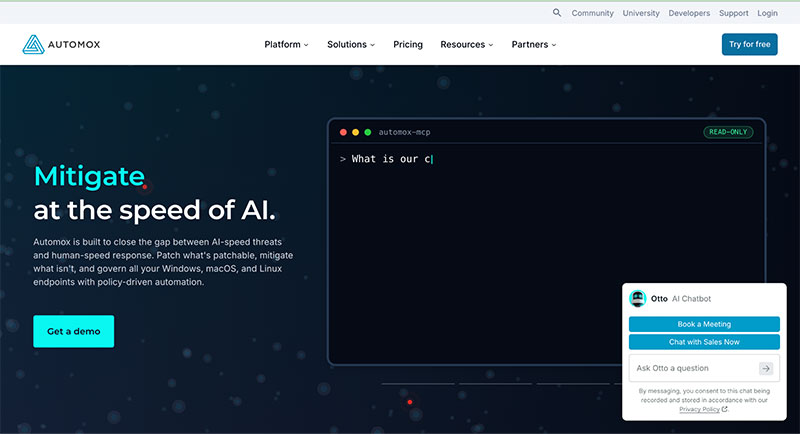
Automox is cloud-native patching and endpoint automation run from a single web console.
Scripted automations called Worklets extend it into configuration tasks beyond patching.
- Best for: Teams with Windows, macOS and Linux fleets that want cloud patching without on-premises servers.
- OS coverage: Windows, macOS and Linux.
- Patching and deployment: Handles OS and third-party patching plus software deployment through policy-based schedules.
- Vulnerability management: Focuses on remediation and prioritizes imported findings, so plan on a separate scanner for detection.
- Pricing: Per-endpoint pricing with monthly or annual billing, plus an online calculator for estimates.
- Keep in mind: Higher tiers move to custom pricing, so get a quote that matches your full feature list.
NinjaOne Alternatives at a Glance
| Tool | OS coverage | Vulnerability management | Pricing model |
| NinjaOne (baseline) | Windows, macOS, Linux | CVE mapping plus third-party scanner imports | Quote-based, indicative $1.50 to $3.75 per device per month |
| PDQ Connect | Windows, macOS | Native, Premium tier | From $12 per device per year |
| Microsoft Intune | Windows, macOS, iOS, iPadOS, Android, select Linux | Via Microsoft Defender | Per user |
| JumpCloud | Windows, macOS, Linux, iOS, iPadOS, Android | Confirm with vendor | Per user per month |
| ManageEngine Endpoint Central | Windows, macOS, Linux, mobile | Security Edition or add-on | Free edition, paid by edition and endpoints |
| Automox | Windows, macOS, Linux | Pairs with external scanners | Per endpoint |
Whichever tool you shortlist, check how it ranks risk. Known flaws are catalogued with CVE identifiers and CVSS severity scores in NIST’s National Vulnerability Database, a useful reference when comparing how tools prioritize the same vulnerability.
On cost, NinjaOne’s indicative range works out to $18 to $45 per device per year.
When you request a quote, ask which modules it covers and which carry their own charge.
How to Choose
- Map your OS mix. Windows and macOS fleets have the most options. Fleets with many Linux endpoints should confirm native Linux patching.
- Look at what you already run. If your service desk and backup work well, a focused tool avoids paying for modules that duplicate them.
- Compare annual totals. Use the same device count and feature set for every option. Factor in minimums and the difference between per-user and per-device licensing.
- Check compliance needs. Federal and regulated buyers should confirm the certifications of any cloud tool against their procurement requirements.
- Trial on real devices. Run each shortlisted tool against the apps your team patches every month.
Final Thoughts
NinjaOne suits MSPs and teams that want ticketing, backup and documentation in the same platform as their endpoint tools.
Teams that mainly need to keep devices patched, deployed and clear of known vulnerabilities will often find a focused tool with published pricing simpler and more affordable.
Start with your device mix and the systems you already rely on. Then let a trial on your own fleet confirm the fit.
FAQ
What is the main difference between NinjaOne and a focused endpoint tool?
NinjaOne is a full RMM platform with ticketing, backup and documentation. A focused endpoint tool covers patching, deployment and remediation and connects to the service desk you already use.
Does NinjaOne publish its pricing?
Only in part. Its pricing FAQ gives a range of $1.50 to $3.75 per device per month depending on fleet size, and the final price is set by quote.
Can an endpoint management tool work alongside Intune?
Yes, as long as each tool has a clear job. One approach is to use Intune for enrollment and configuration policies while a focused tool handles third-party patching and software deployment.
That way the two never apply conflicting update settings.
Do NinjaOne alternatives include remote desktop?
Several do, though it often sits in a mid or upper pricing tier.
Once technicians can reach every device remotely, revisit your remote team security basics, such as access controls, multi-factor authentication and idle-session timeouts.

- 5 Best NinjaOne Alternatives for Focused Endpoint Management - October 10, 2026
- venv vs conda vs poetry: Which One for Which Project - October 9, 2026
- How to Prepare for a Web Design Project Before Hiring an Agency - October 9, 2026


