Most visited cheat sheets
Programming Languages
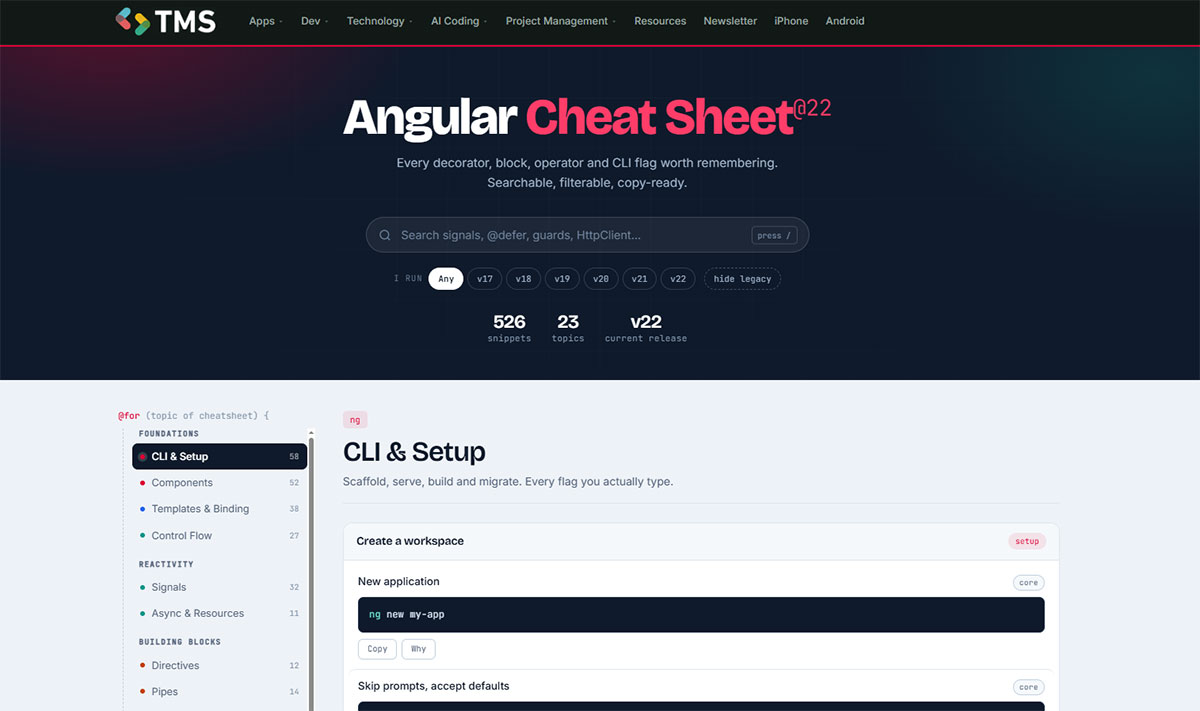
15Syntax, data types, collections, error handling and the standard library for 15 languages, from Python and JavaScript to Rust, Go and Lua.
Web and Front-End
5Markup, styling, Tailwind and two major front-end frameworks. Useful when you build interfaces and keep forgetting a selector, a utility class or a hook signature.
Back-End Frameworks
3Routing, ORM queries, validation, auth and CLI commands for three widely used back-end frameworks in Python, PHP and Java.
Databases and SQL
5Standard SQL plus the client commands, data types and admin tasks of each major database engine, relational and document.
APIs and Data Formats
6How data moves between services: REST and GraphQL conventions, every HTTP status code, and the JSON, YAML and XML formats your configs and payloads are written in.
DevOps and Command Line
4Terminal, version control and containers: the commands you run every day in a shell, a repository or a cluster.
Mobile Development
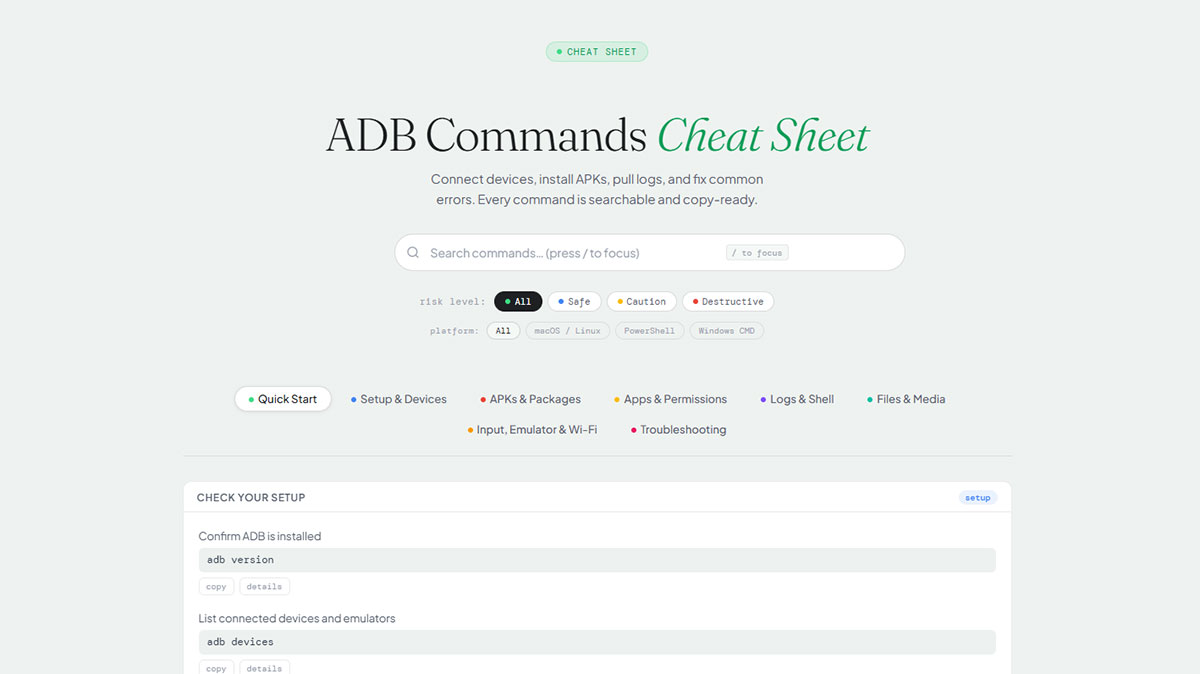
2Android debugging from the command line and a full checklist for getting an app approved on both stores. For the languages, see the Kotlin and Swift sheets.
Editors and Text Tools
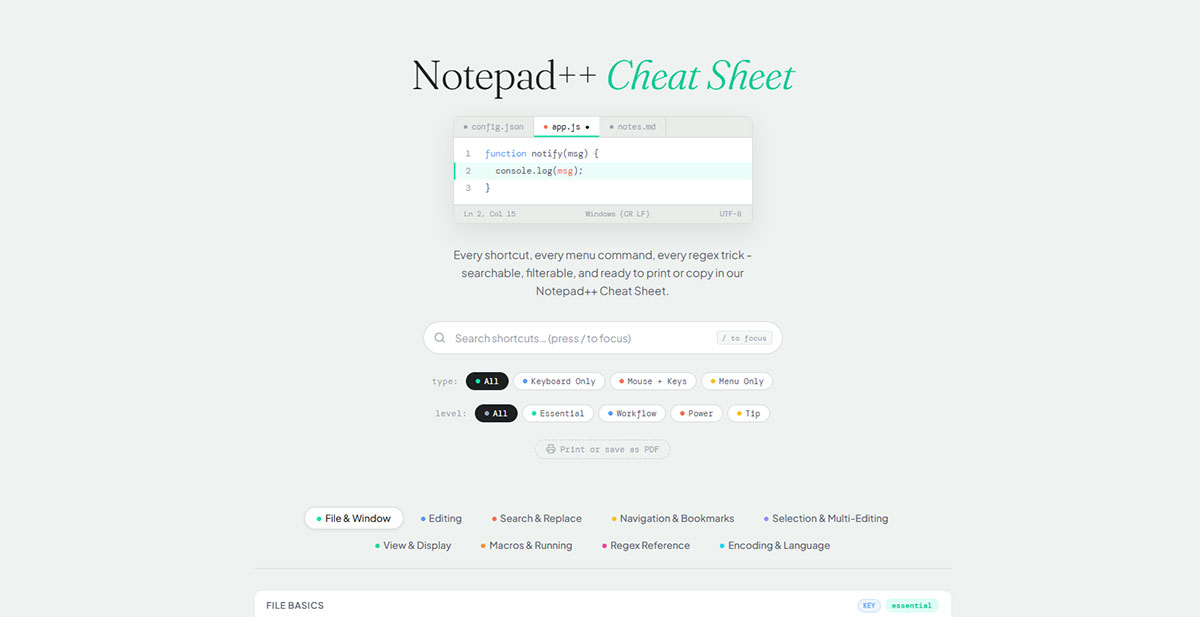
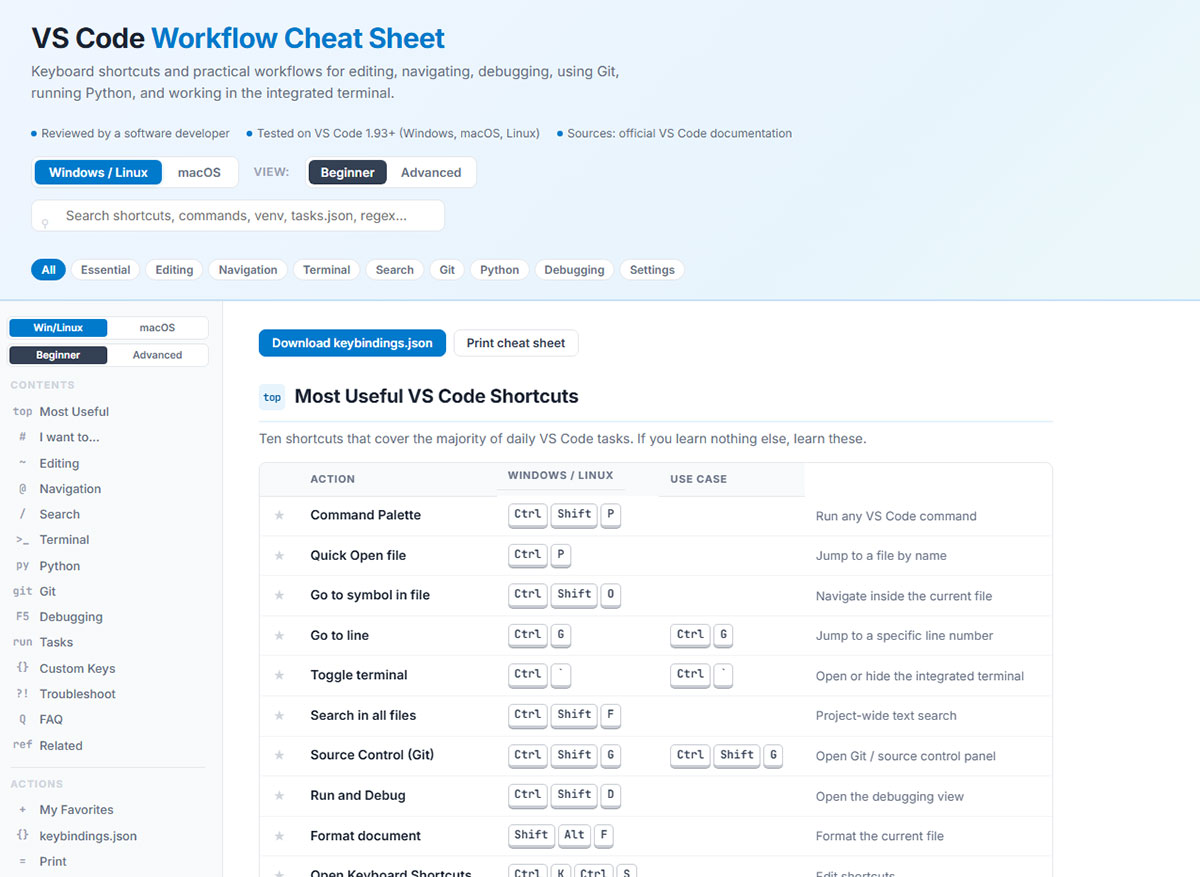
4Shortcuts and workflows for VS Code and Notepad++, plus regular expressions and Markdown, which you end up using in every editor.
No cheat sheet matches .
Try a shorter term, such as a language name, or .
Learning paths
Not sure which sheet to open first? These sequences follow the order most developers pick up each stack, so every step builds on the one before it.
Front-end developer
From static markup to a typed, component-based app.
Python back-end
A Python web API from the language basics to a containerized database app.
PHP and Laravel
A common stack for PHP web apps, from the language to the database and version control.
Mobile apps
Write the app, debug it on a device, then ship it to both stores.
DevOps basics
The shell, version control and containers, in the order most teams adopt them.
Free developer tools
Format, validate and convert data in the browser. Nothing to install, and your input is processed on the page.
JSON and Python
CSV and XML
Encoding and IDs
Step-by-step guides
When a one-line reference isn’t enough, these walkthroughs from the TMS blog cover the tasks our readers look up most often.
VS Code
Python environments
Notepad++
Git, GitHub and Docker
How to use these cheat sheets
Each sheet covers one language, framework or tool and is split into sections, so you can jump straight to strings, joins, routing or whatever you came for. Most sheets also have their own search box and filters, which narrow the page down to the version, SQL dialect or skill level you work with.
The sheets are references, not tutorials. They assume you know what you’re trying to do and just need the exact syntax, flag or command. For a fuller explanation, the step-by-step guides above go through common tasks one at a time.
- Find a sheet fast. Press / anywhere on this page, type a name such as postgres, k8s or golang, then open the result.
- Check the version. Cards list the versions a sheet covers where it matters, for example Angular 22 or MySQL 8.4 and 9.7.
- Copy, don’t retype. Use the copy buttons inside each sheet to paste examples straight into your editor.
- Bookmark this page. It’s the one index that links to every sheet and tool.
Frequently asked questions
Are these developer cheat sheets free?
Yes. All 44 cheat sheets and the 14 developer tools linked on this page are free, and you don’t need an account or an email address to read or use them.
What is a developer cheat sheet?
A developer cheat sheet is a condensed reference for one language, framework or tool. It groups the syntax, commands and patterns you need often but don’t always remember, so you can find them in seconds instead of searching the full documentation.
How up to date are the cheat sheets?
Every card on this page shows the date its cheat sheet was last updated, and many sheets state the versions they cover, such as Angular 22, Laravel 13, Spring Boot 4, Go 1.27 and PostgreSQL 14 to 18. Sort the list by “Recently updated” to see the newest ones first.
Can I copy the code examples?
Yes. Most sheets have a copy button next to each snippet, and many include search and filters inside the page, for example by version, SQL dialect or skill level.
Which cheat sheet should I start with?
If you are learning a stack, follow one of the learning paths on this page in order. If you already know what you need, press the / key, type a language, tool or command, and open the matching sheet.
Who writes and maintains these cheat sheets?
They are written and maintained by Bogdan Sandu and published by TMS Outsource, a custom software development company with engineering offices in Belgrade and Bucharest.
About the publisher
These cheat sheets are written and maintained by Bogdan Sandu and published by TMS Outsource, a custom software development company founded in 2014, with engineering offices in Belgrade and Bucharest. If you need a team to build or extend a web or mobile product, see our software development services or get in touch.