#1 Tables & Charts Creator Plugin for WordPress, built and maintained by TMS Outsource since 2012.
Customer support, customization and integration, ongoing feature development
PHP, jQuery, JavaScript, WordPress, MySQL
TMS Outsource (original product, built and maintained in-house since 2012)
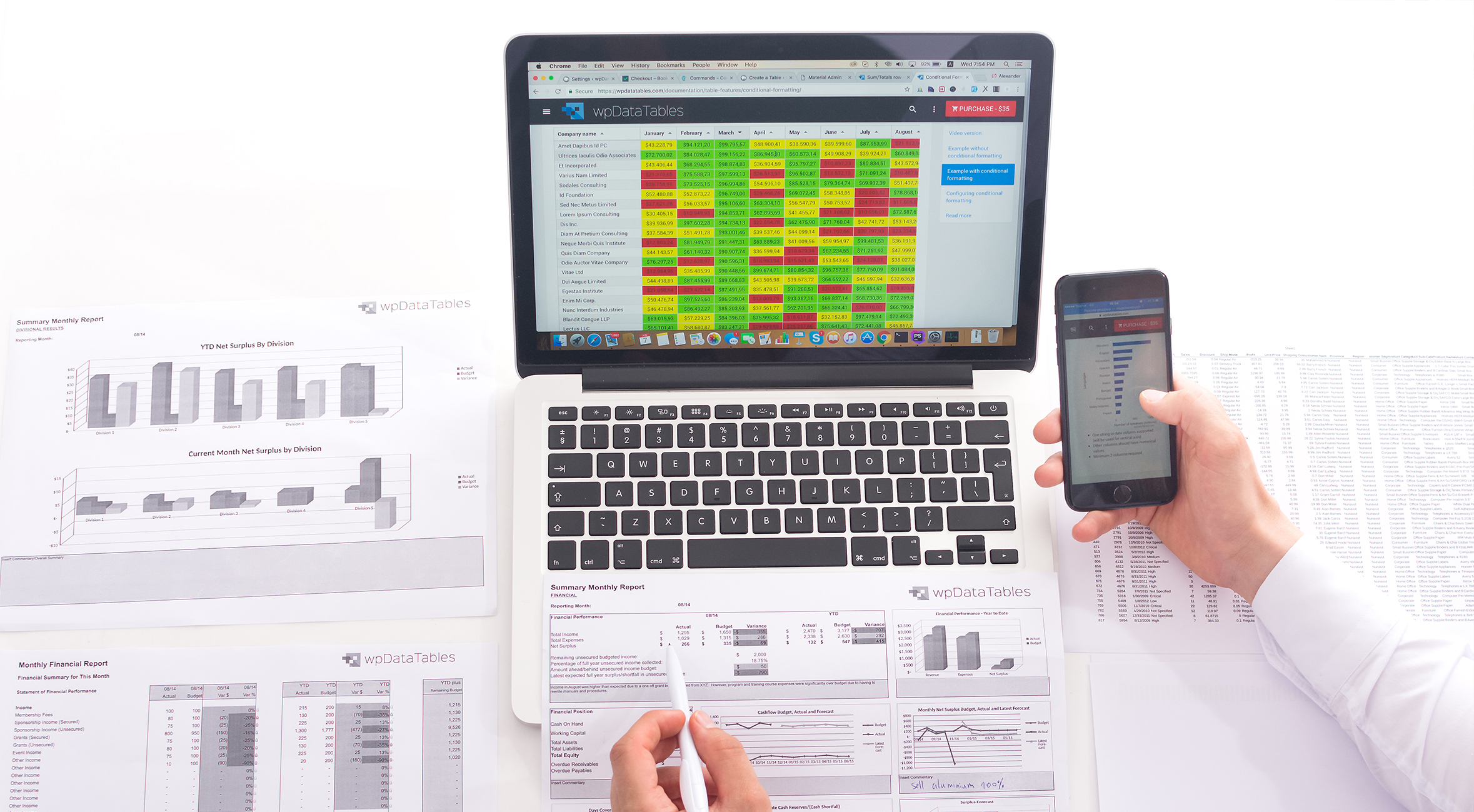
We started developing wpDataTables as our own product in 2012. It was built as a tool solving the typical problem that most website owners have: quickly and easily display complex tabular data that already exists in some format (price lists, catalogs, statistical data, etc.). We were inspired by solutions we saw in other technologies (e.g. DataGridViews in C#), where one can easily create an interactive table by just adding a Grid component on the screen and providing a data source.
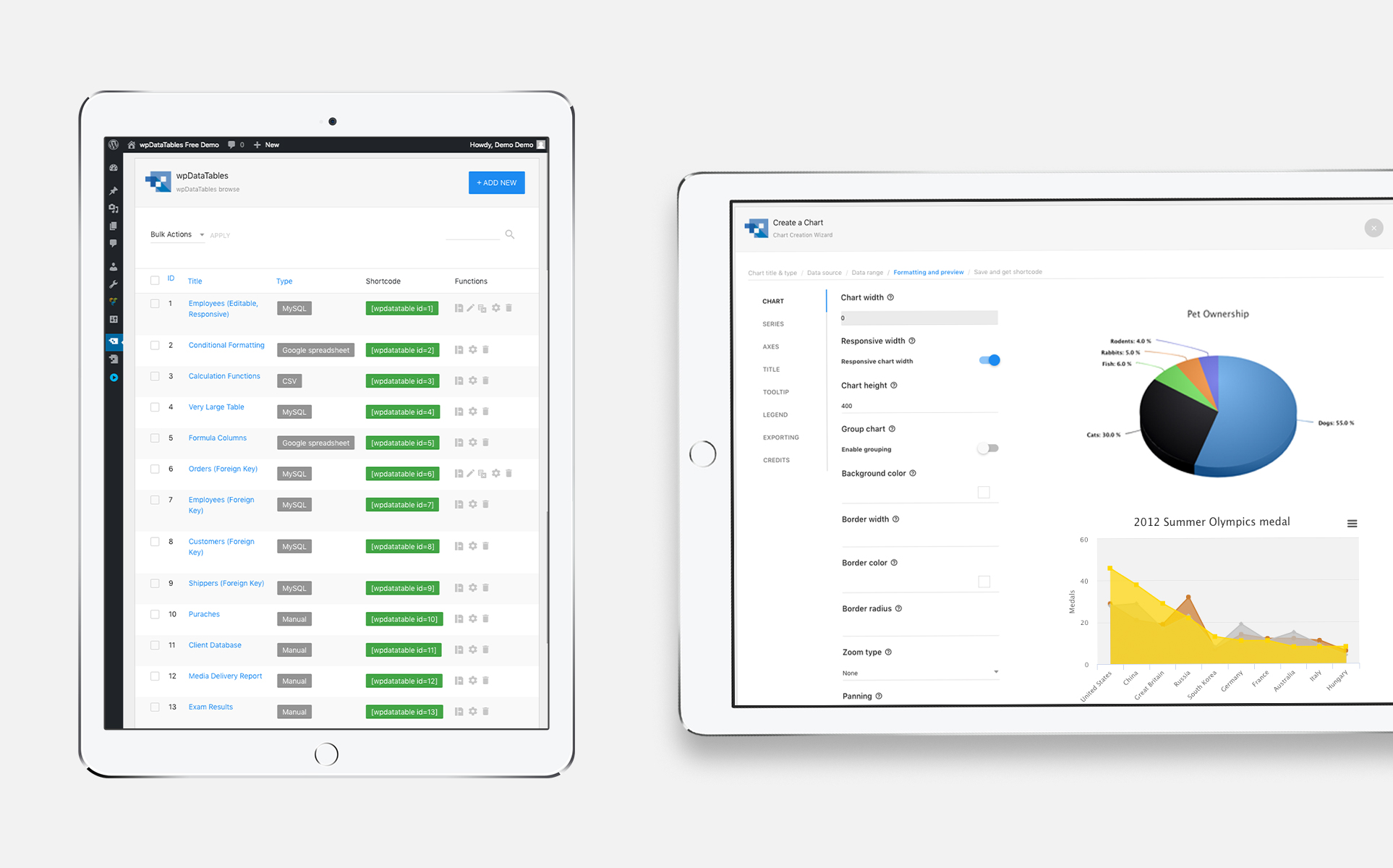
We implemented something similar but for non-tech-savvy users in the WordPress environment: a plugin that allows creating interactive, sortable, filterable, paginated, and editable tables based on literally any data source (MySQL, Excel, Google Spreadsheet, CSV, JSON, XML) in just several clicks without any coding.
From standalone PHP library in 2012 to 13+ years of continuous releases.
Initially, the tool was built as a standalone PHP+JS library. We chose DataTables as the front-end grid (and we did not regret it). The initial version took about 6 months to build, and another 2 months to create a WordPress plugin as a "wrapper" to the PHP version. It was released early 2013.
Since then we continued to develop it, adding new features and releasing new versions on average every 3 to 4 months. The key breakthrough releases were version 1.5 in 2015, when we introduced a built-in WPDB and MySQL query generator tool (where you can simply generate queries to databases by configuring them through the user interface) and an advanced charting engine; and version 2.0 in 2017, when we re-built the admin panel interface from scratch using Google Material UI guidelines and added advanced DB tools such as Foreign Key support.
wpDataTables has been under continuous development since its 2013 release. It remains actively maintained with regular feature updates, new data source support, chart types, and WordPress block editor compatibility releases, driven by feedback from its global customer base.
WordPress plugin compatibility across hundreds of thousands of environments.
Working with products like wpDataTables is very different from working on client projects. We are limited by the WordPress environment and need to ensure compatibility with hundreds of thousands of different theme and plugin combinations. A single CSS conflict or JavaScript library collision can break the plugin for an entire segment of users.
We need to provide a tool that works with outdated PHP versions. A lot of WordPress users still run PHP 5.4 and earlier, which means we cannot rely on modern PHP features. The plugin must be written to the lowest common denominator while still delivering modern functionality.
Many WordPress users are on low-resource shared hostings with no ability to use tools like Redis or ElasticSearch that could speed up performance. The plugin must handle large datasets efficiently within tight memory and execution time limits, with no server-side caching infrastructure to lean on.
The plugin supports MySQL, Excel, Google Spreadsheet, CSV, JSON, and XML as data sources. Each format has its own parsing, type inference, and edge case handling requirements. Unifying them into a single consistent table rendering engine while preserving data fidelity across all six formats is an ongoing engineering challenge.
13 years of continuous development and a global customer base.
Of continuous active development since the 2013 release
Companies and individuals relying on wpDataTables daily
Average rating on CodeCanyon out of 5
Data formats supported: MySQL, Excel, Google Sheets, CSV, JSON, XML
From a web developer and a customer perspective, wpDataTables is one of the best plugins I came across. Not only the price is good but also the functionality is perfect. Extremely easy to use and very well designed. It has many features that suit anyone, from beginners to advanced level. The videos that complement the plugin are in depth well explained with many examples. I can't emphasize enough how much it made my web development easier and cooler.
Tell us about your product idea or your team's capacity gap. We'll outline the right approach for your situation.
Request a Free ConsultationGeological data visualization platform for the oil and gas industry.